A safe fake Ghost Wallet
Skip third-party downloads and use RP Wallet's Ghost Wallet-style PWA directly from your browser on iPhone or Android. Set simulated balances, import tokens, and demonstrate transactions with no real crypto or seed phrase.
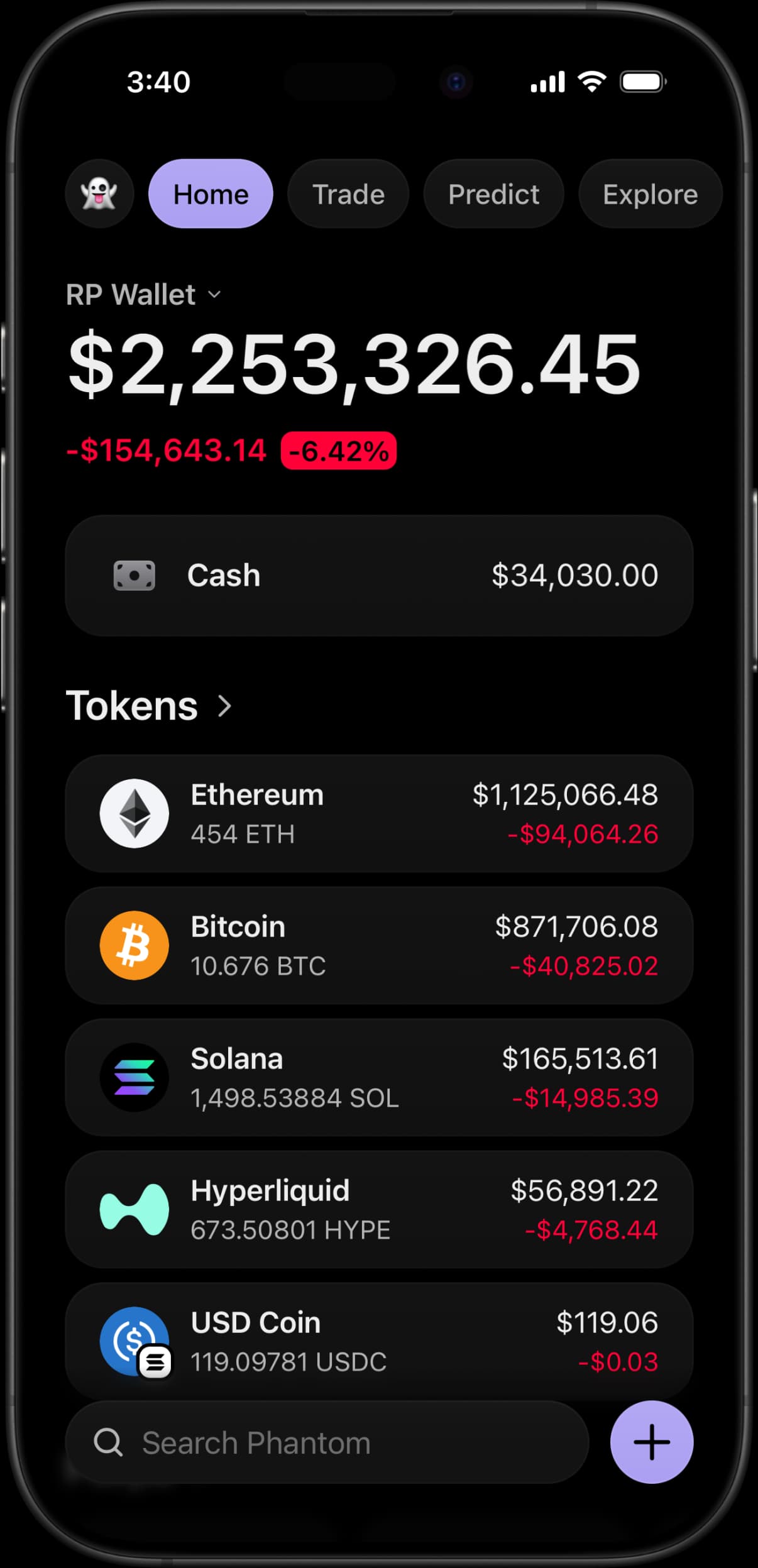
Get it in under two minutes
The PWA route needs no APK or IPA; use only rpwallets.app and avoid third-party download pages.
Step 01
Open RP Wallet in your mobile browser
The PWA route requires no APK, IPA, or app-store download. Open rpwallets.app directly in Safari on iPhone or Chrome on Android.
Step 02
Add it to your home screen
Tap the browser share or menu button and choose "Add to Home Screen". RP Wallet installs as a PWA and launches full-screen like a native wallet app.
Step 03
Set your balance and tokens
Open the wallet, set any balance, and import any token you want to display in your fake Ghost Wallet.
Step 04
Capture your content
Simulate sends, receives, and notifications, then screenshot or screen-record clean, realistic wallet visuals.
fake Ghost Wallet FAQ.
Do I need a Phantom wallet APK or download?
No package download is required for the PWA. Open rpwallets.app in your browser and add it to your home screen. Eligible Android plans may also include an official signed APK delivered through the dashboard; never install one from a third-party download page. RP Wallet does not offer an IPA.
How do I get the fake Ghost Wallet on iPhone?
Open RP Wallet in Safari, tap the share icon, and choose "Add to Home Screen". The fake Ghost Wallet then launches full-screen from your home screen just like an installed app, with no App Store download required.
How do I get the fake Phantom wallet on Android?
For the PWA, open rpwallets.app in Chrome, tap the menu, and choose "Add to Home Screen" or "Install app". Eligible plans can instead use the official signed APK linked from the dashboard.
Is the fake Phantom wallet safe?
RP Wallet never asks for a seed phrase, never connects to a real wallet, and cannot move real funds. Its browser-based flow avoids the specific risks of sideloaded APK or IPA packages, but you should still verify the official domain and follow normal browser-safety precautions.
What can I do with a fake Ghost Wallet?
Set any balance, import any token, and simulate transactions to create realistic screenshots and videos, product demos, mock portfolios, or roleplay and prank content — all without touching real crypto.
Is RP Wallet affiliated with Phantom?
No. RP Wallet is an independent simulation tool and is not affiliated with, endorsed by, or connected to Phantom or any other wallet provider or blockchain project. All product names and brands are the property of their respective owners.
Keep reading
LARP Wallet App
How to LARP a crypto wallet on iPhone or Android: pick the interface, set the balance, stay in character.
Trust Wallet Simulator
Multi-chain wallet screens across Bitcoin, Ethereum, BNB, Solana and more, with balances you set.
Ledger Live Simulator
Hardware-wallet screens with a simulated device behind them: pick a model, install its blockchain apps, set the balance.
Wallet Screenshot Generator
Generate Ghost Wallet, Trust Wallet and Exodus screenshots without exposing a real address or balance.
Wallet Mockups That Actually Convert: A Landing Page Playbook
How to make wallet screenshots actually help a landing page instead of sitting there like expensive decoration.
Fake Crypto Wallet Apps: What They Are, How They Work, and When to Use One
Everything you need to know about fake crypto wallet apps — what makes one good, who uses them, and how to pick the right tool for demos, content, and entertainment.
Get your fake Ghost Wallet
Join 900+ creators and larpers using RP Wallet to build safe, realistic wallet content in minutes.